AluSurf
This project combines user research and UI design to conceptualize how a tool could standardize aluminum grading
The aluminium industry struggles with uncertainty around surface quality, customers and sellers often interpret defects, effects and visual requirements differently. This lack of shared understanding leads to miscommunication, unnecessary waste, complaints, and costly production disturbances.
Our design challenge was to create a tool that helps both parties communicate visual expectations clearly and objectively during the agreement process.
Project
Duration: 5 weeks
Role: Visual designer
Problem area: Agreement process
The Problem
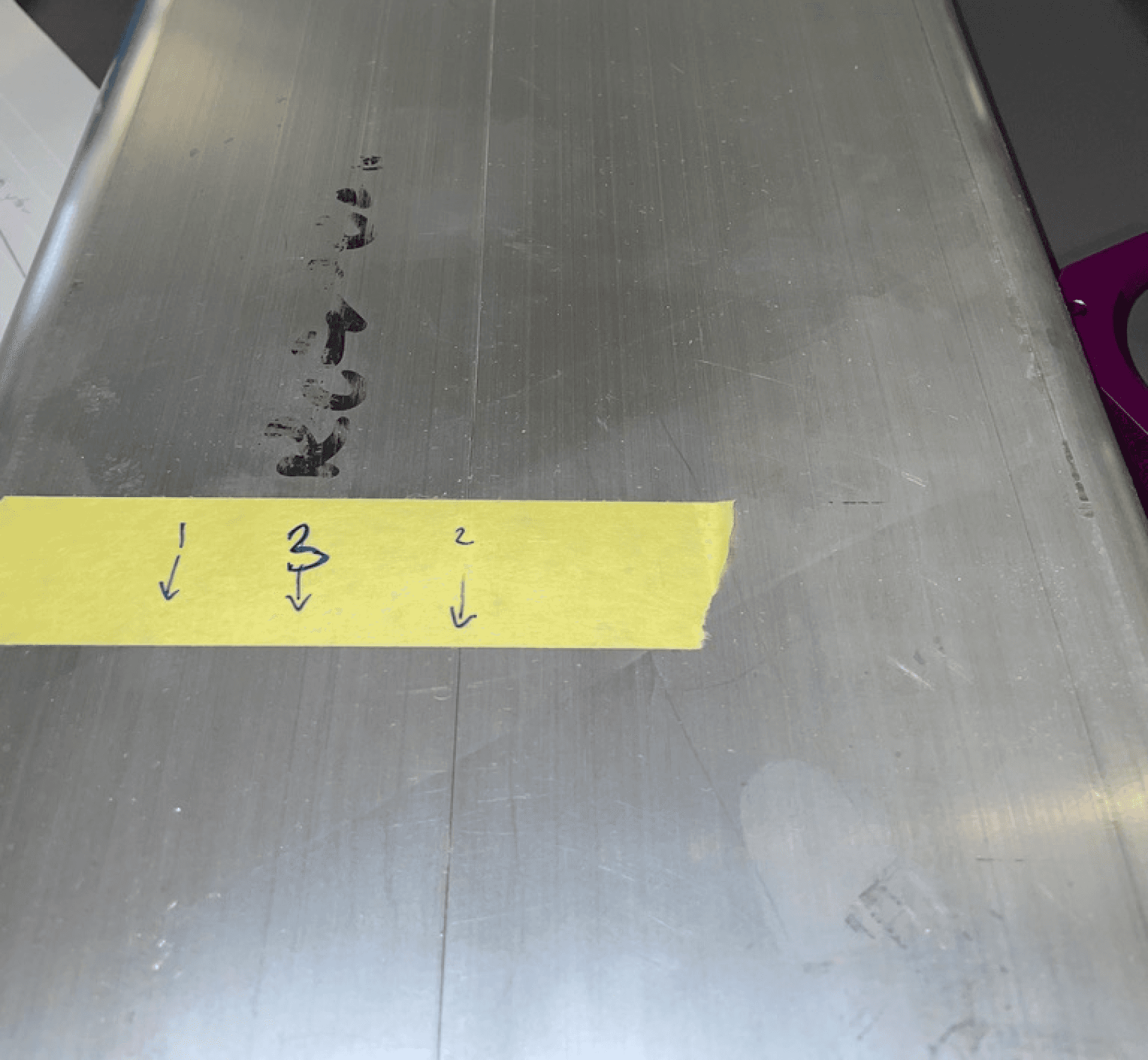
Uncertainty around how surface defects and classes should be interpreted led to misunderstandings between customers and sellers.
Customers and suppliers used different terminology to describe the same effects and defects.
The analogue agreement process made it difficult to establish alignment early.
Unclear communication increased the risk of waste, complaints, and additional production costs.
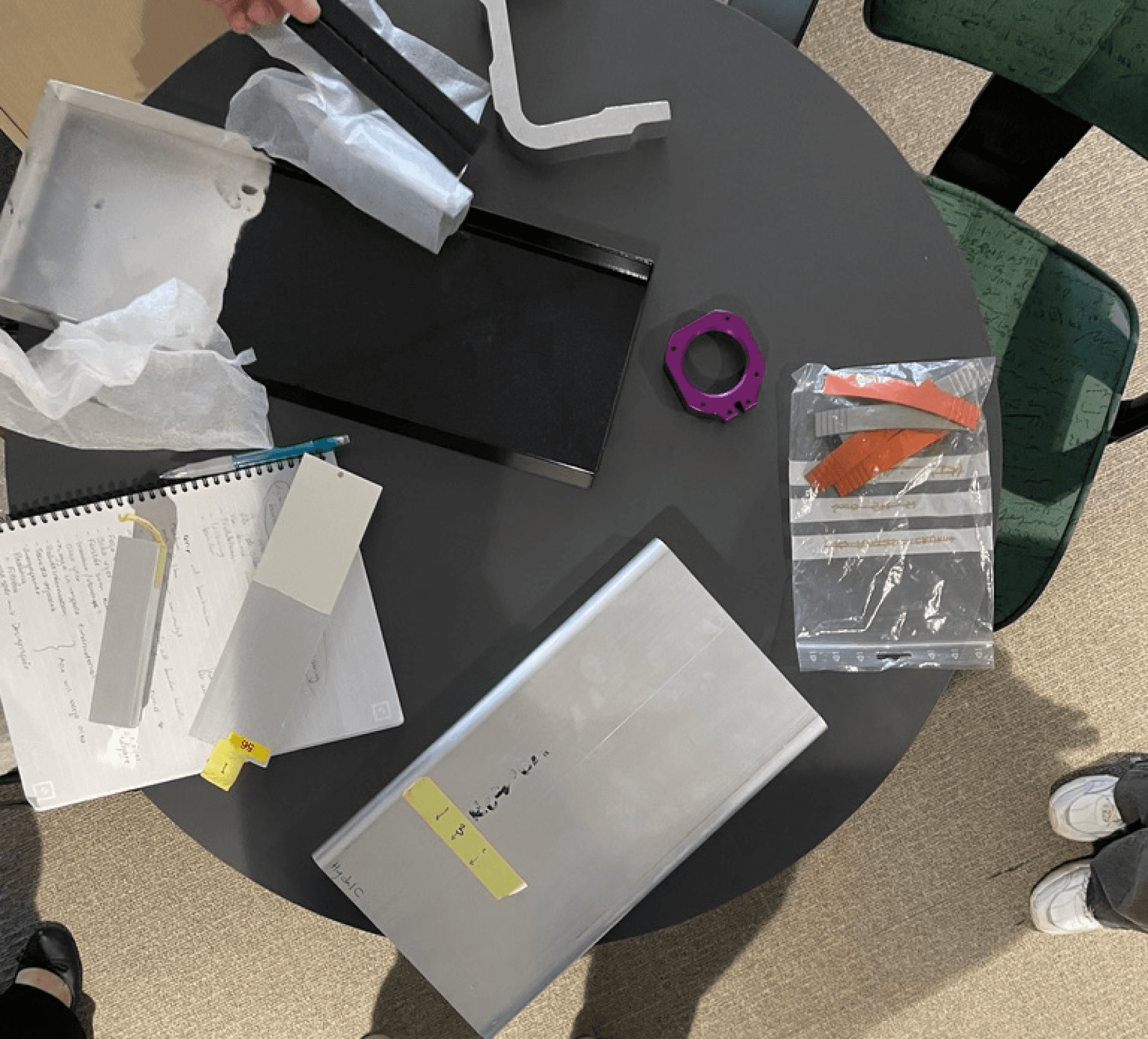
Knowing these problems, we began interviews with Thule, Svenskt Aluminium and production workers to understand how the current ordering process works, which terms are used, and where misunderstandings arise.
We complemented this with desk research on aluminium, surface effects and the industry’s classification systems to understand the users’ path from first contact to final delivery.
Key Insights
From the interviews we conducted, besides misunderstanding being the biggest constraint in the agreement process. Here are som other areas where users get frustrated during the process:
No shared understanding of surface quality
Current classification scale is vague and unhelpful
Customers expect perfection, production accepts natural variation
Lack of educational material for customers
To meet these painpoints and to structure this complex domain, we developed a sitemap with four main areas: Home, Explore, Make Agreement and Profile. The focus was on creating a logical sequence that reflects the real ordering process. This would later impact how our Information architecture would be structured.
Key IA Decisions
A page dedicated for exploration and education.
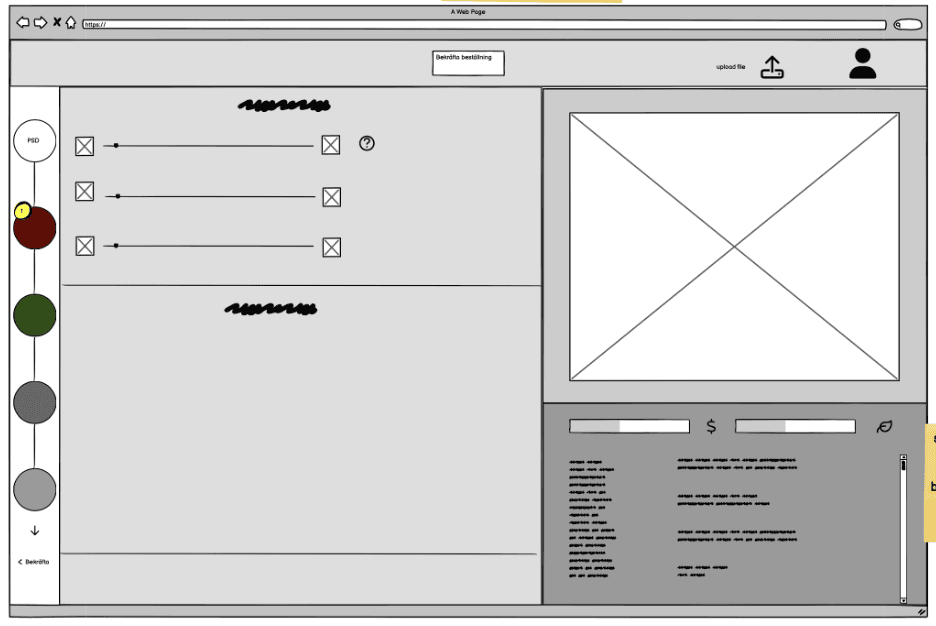
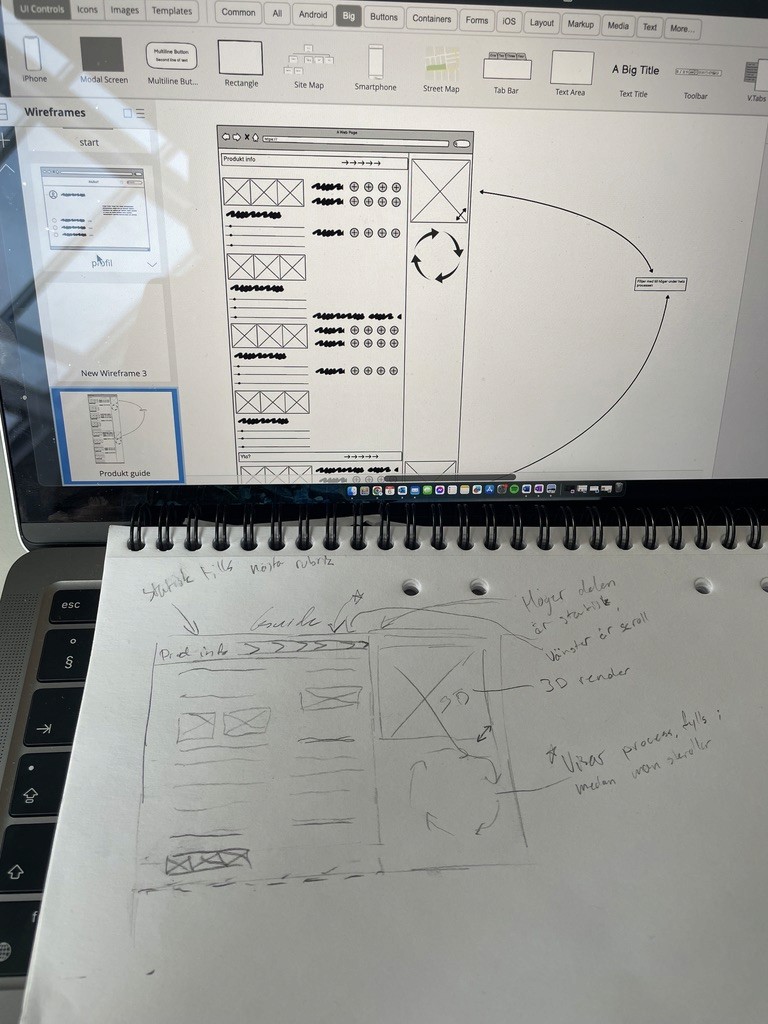
In the Make Agreement flow, we created a step-by-step structure with progress arrows that show the user’s position and allow backward navigation.
We placed Entire Surface Effects (ESE) before Partial Surface Defects (PSD) to start with what the customer wants, before what they don’t want, something both users and experts preferred.
Similar terms were merged to reduce the number of choices and avoid cognitive overload.
These decisions made the large amount of information more manageable and the process easier to follow.
Information architecture
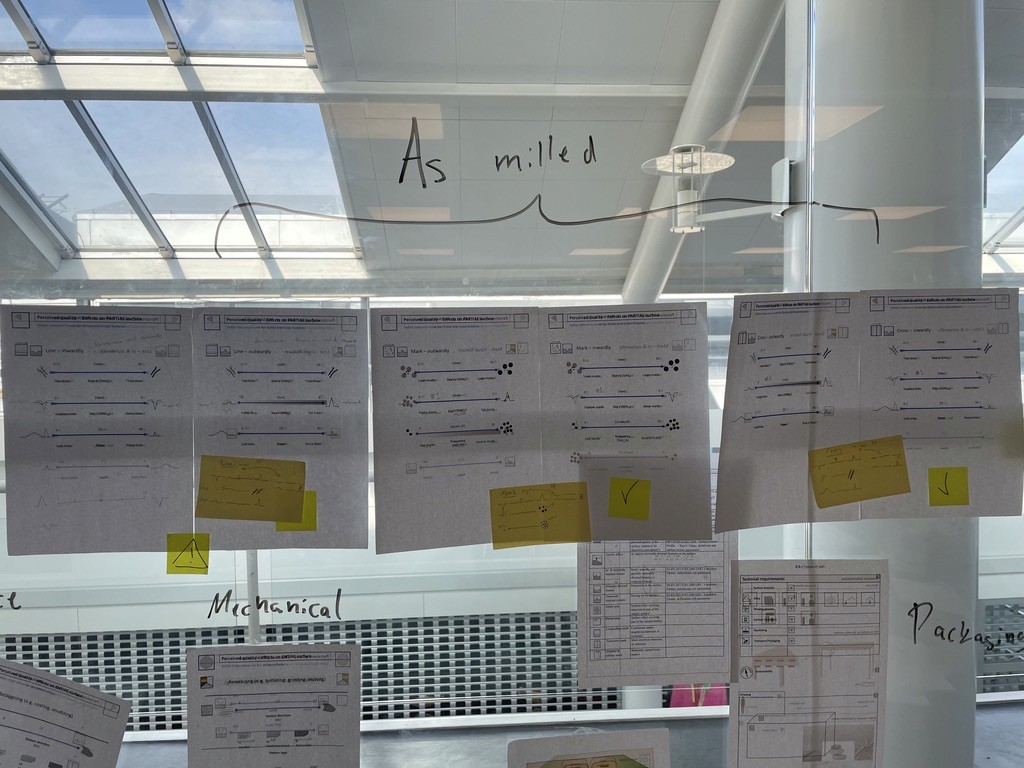
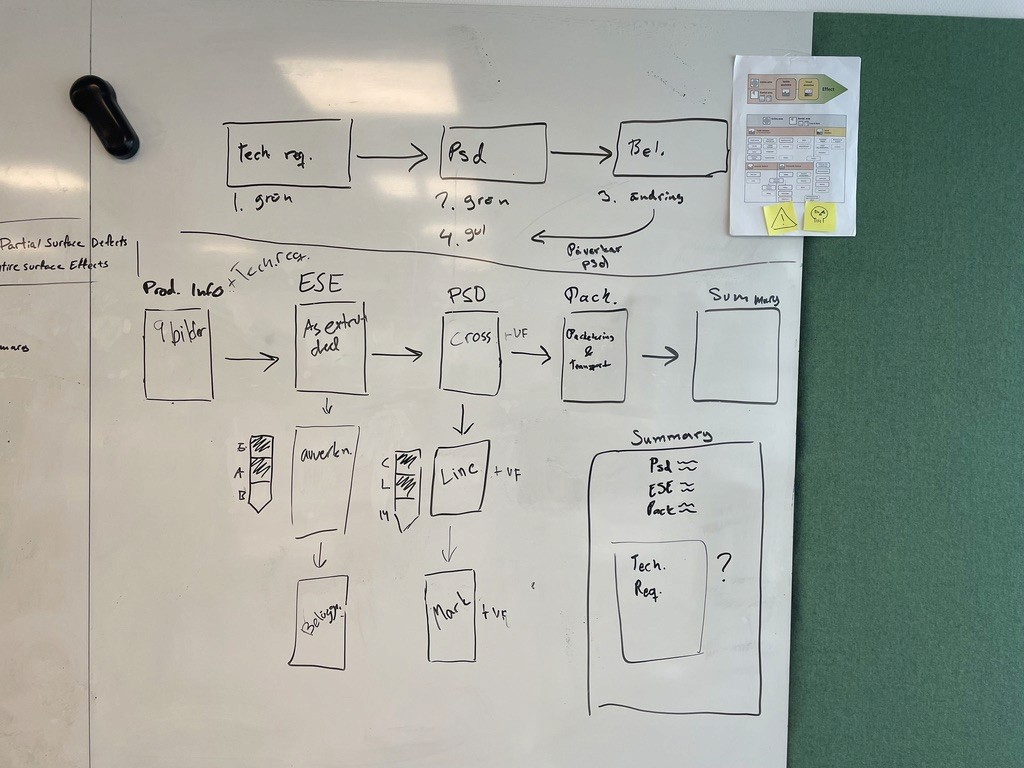
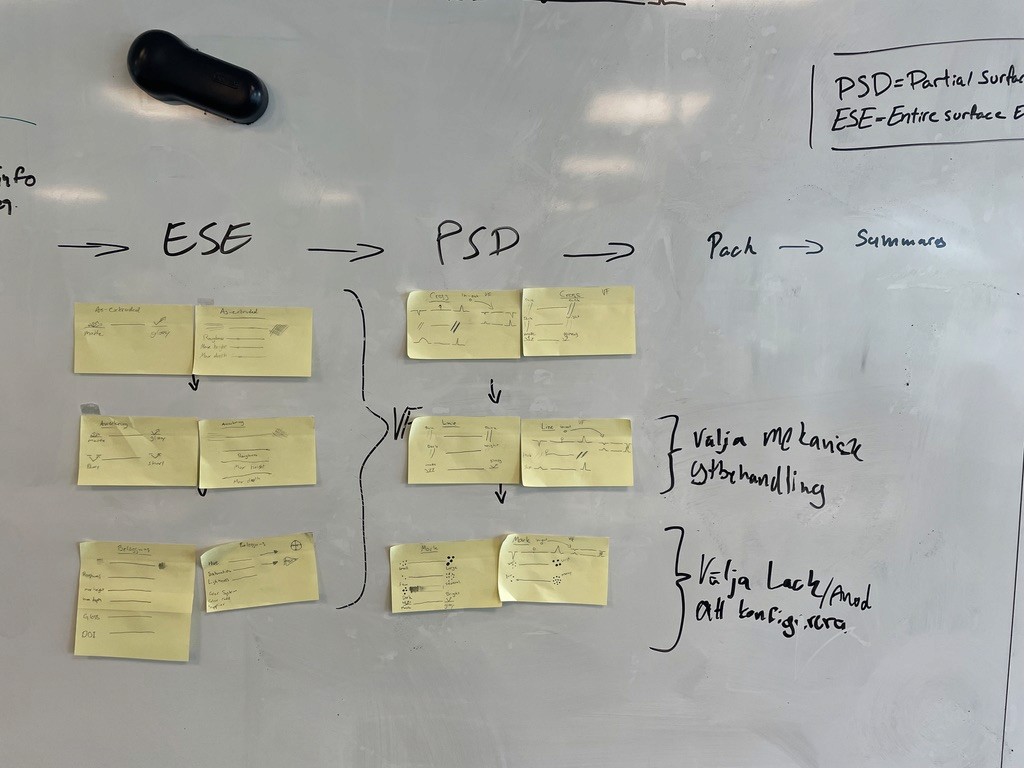
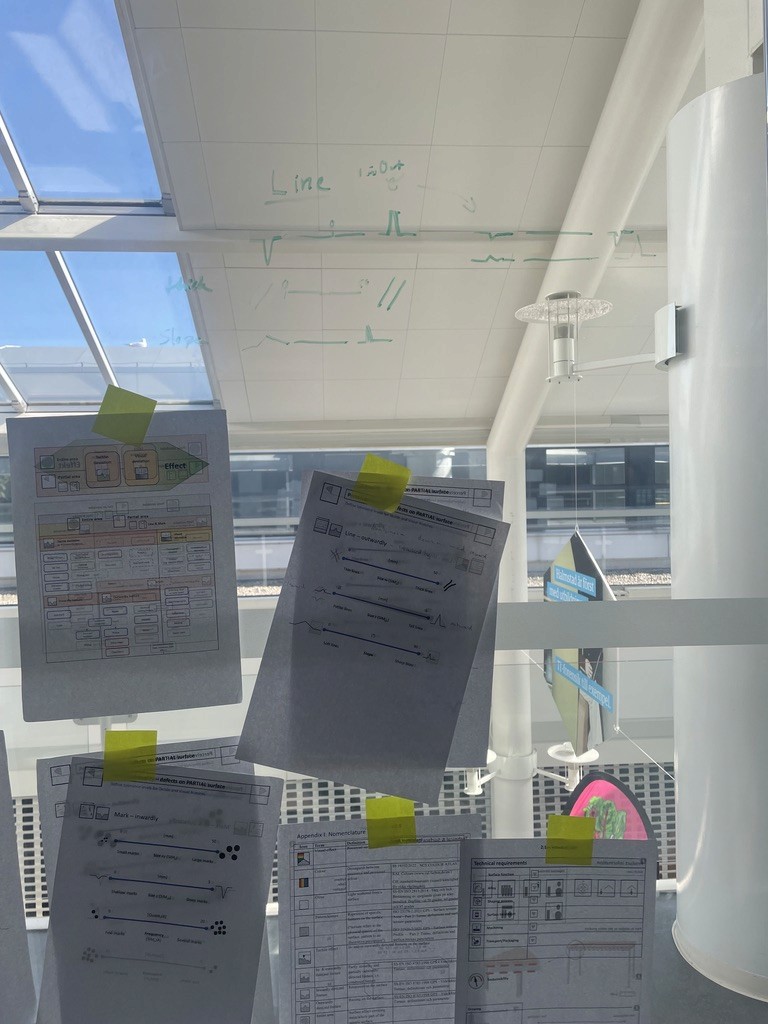
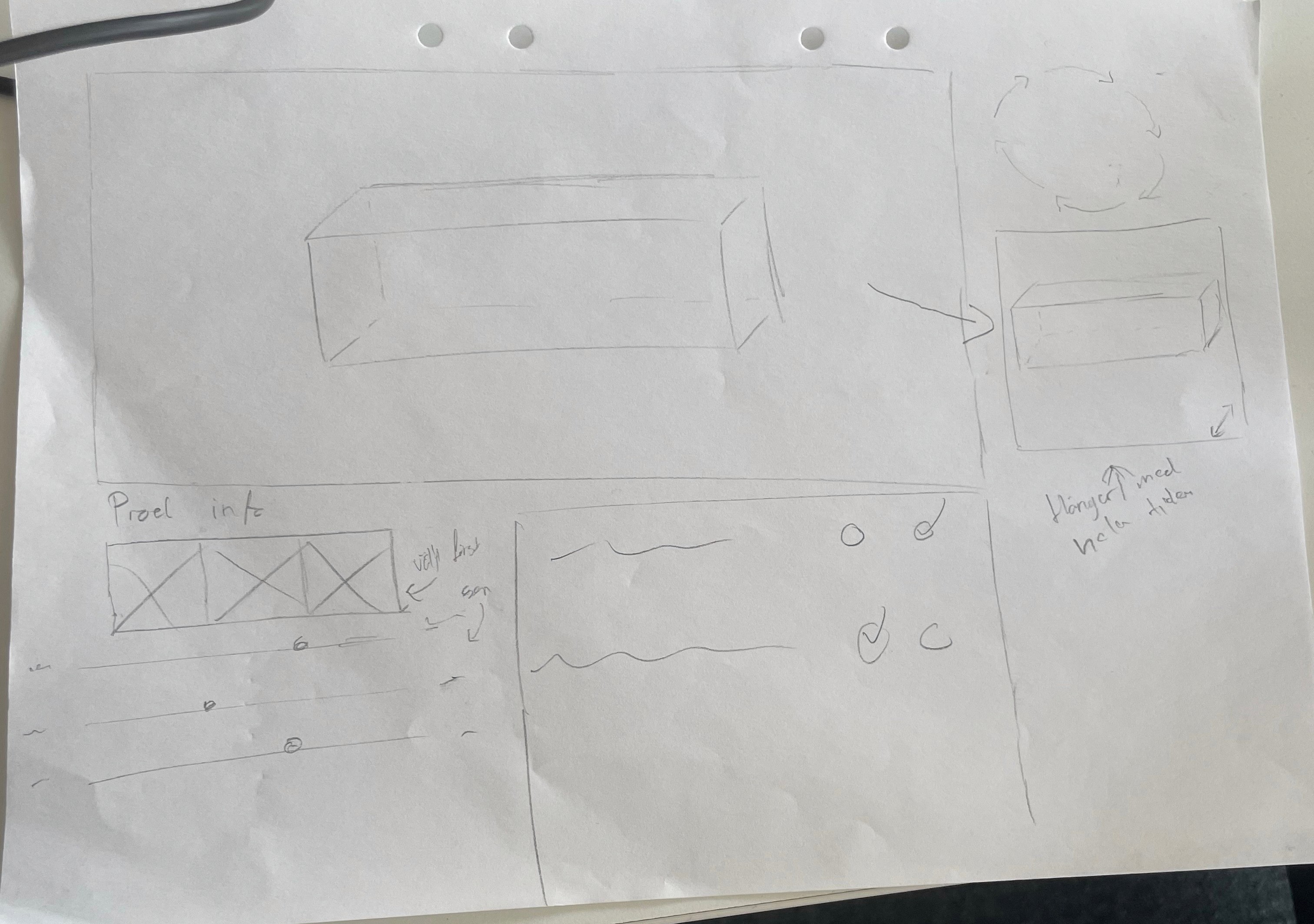
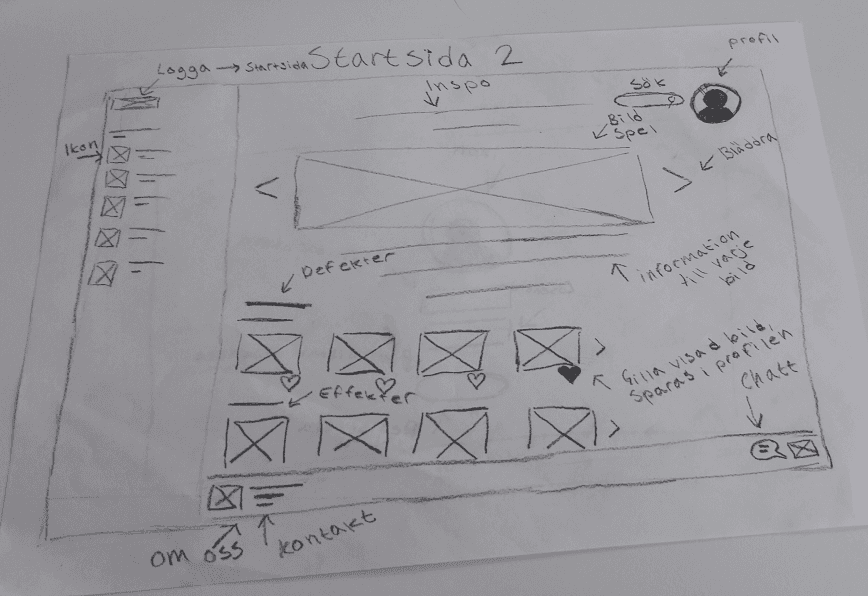
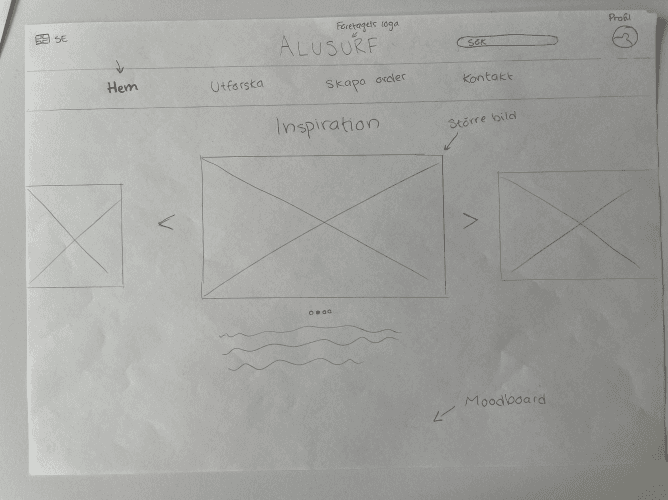
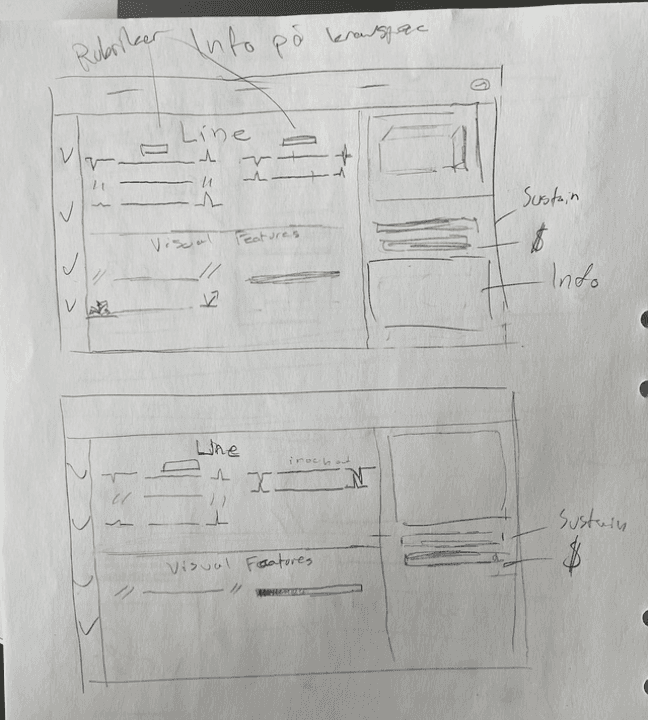
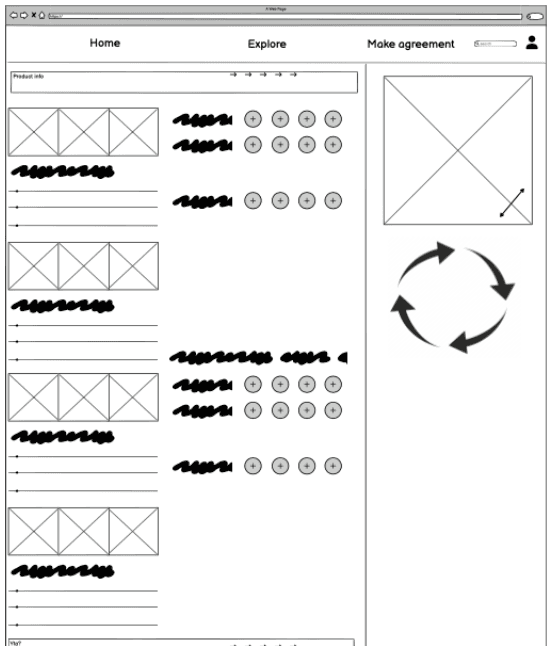
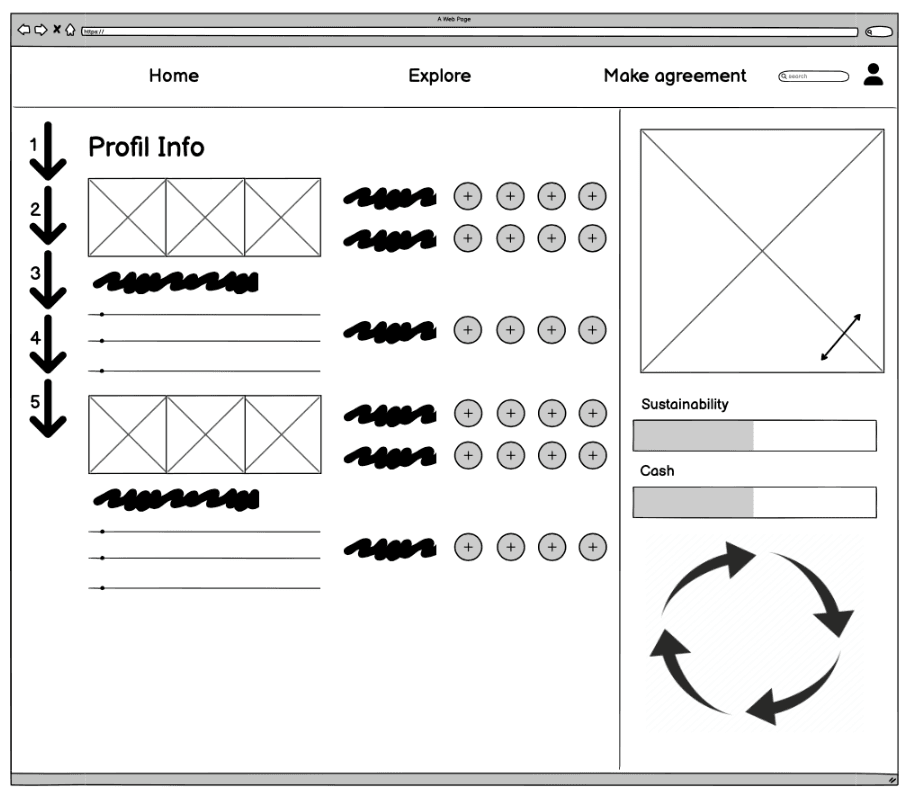
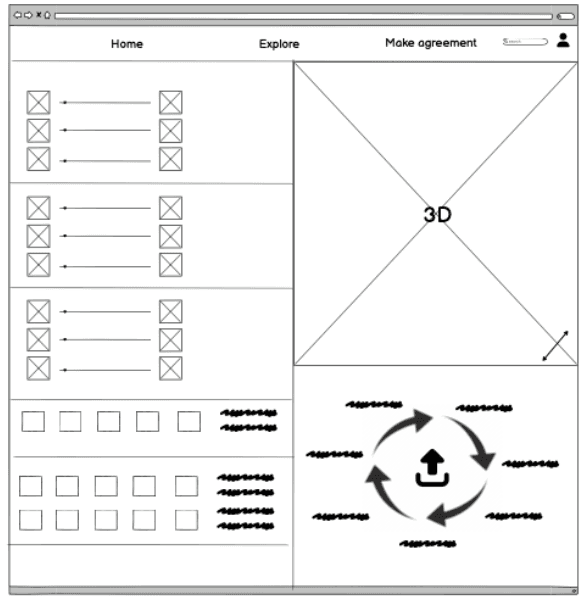
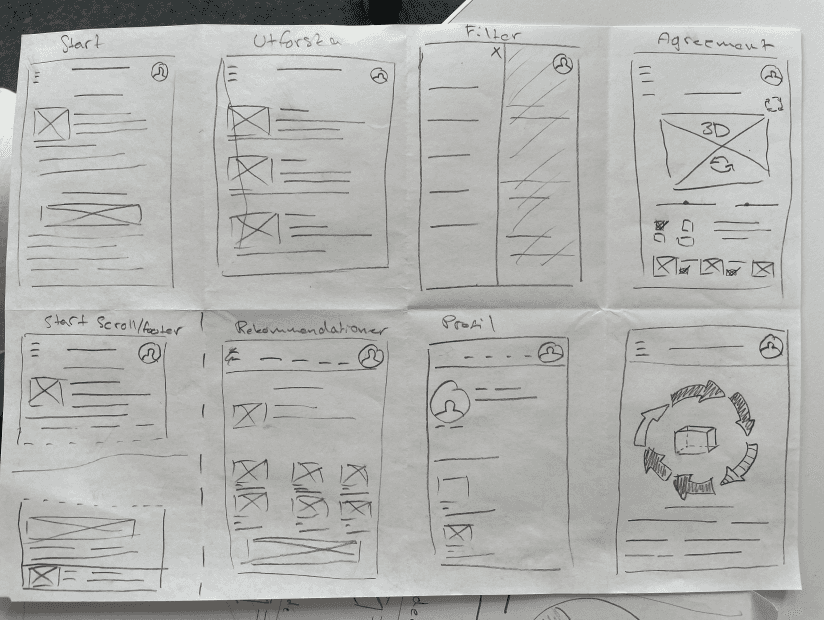
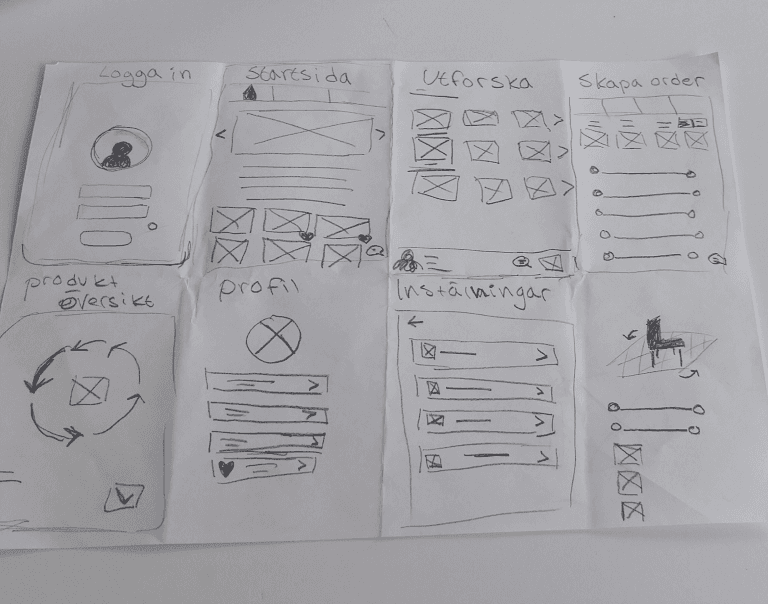
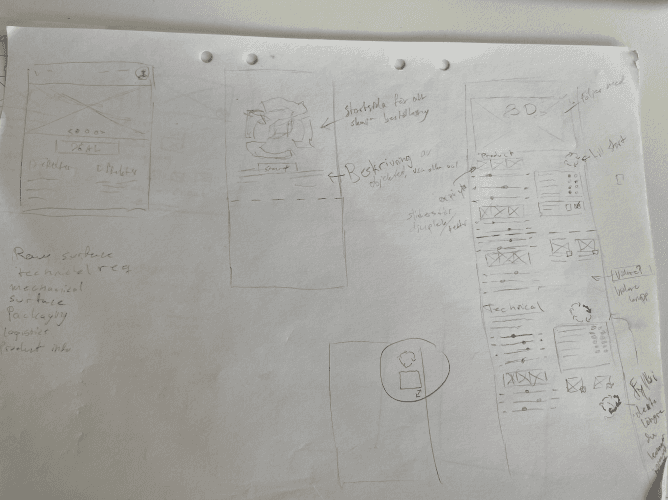
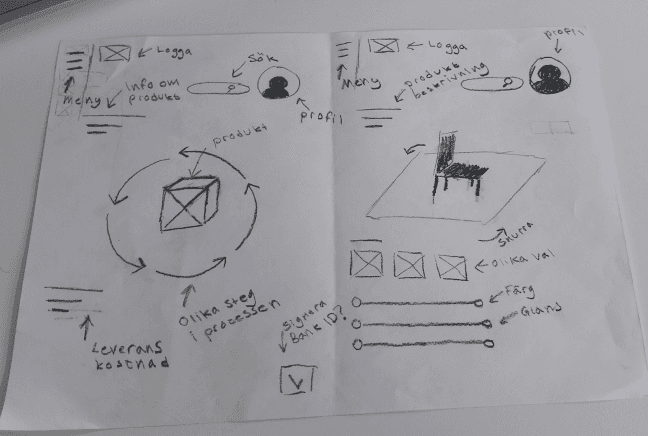
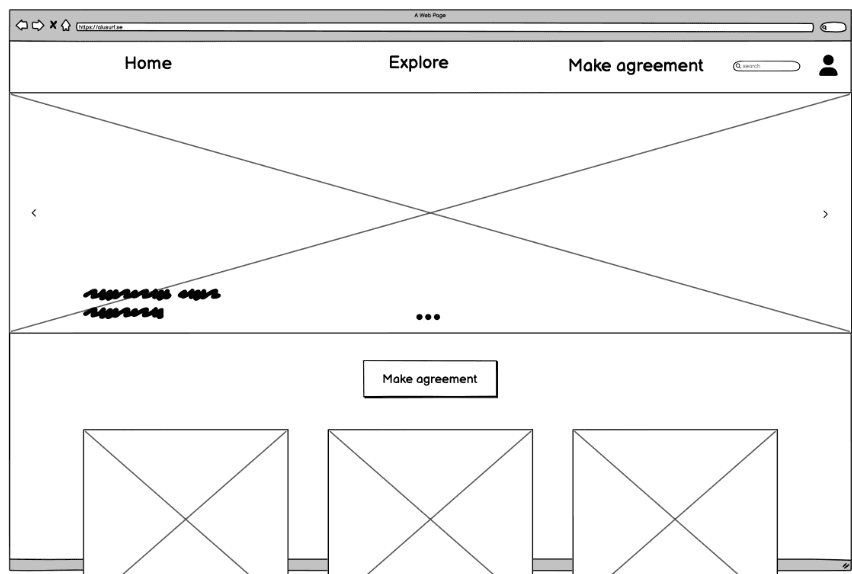
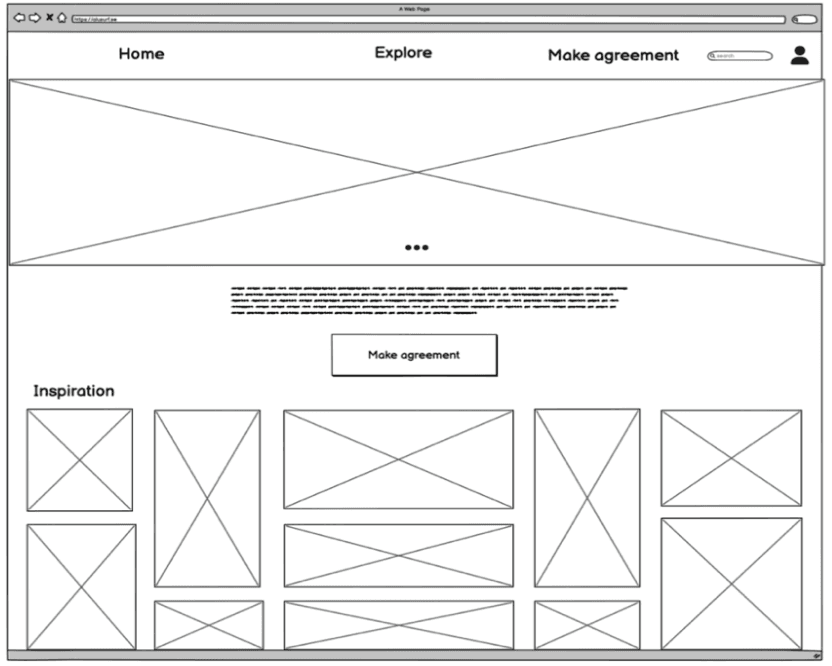
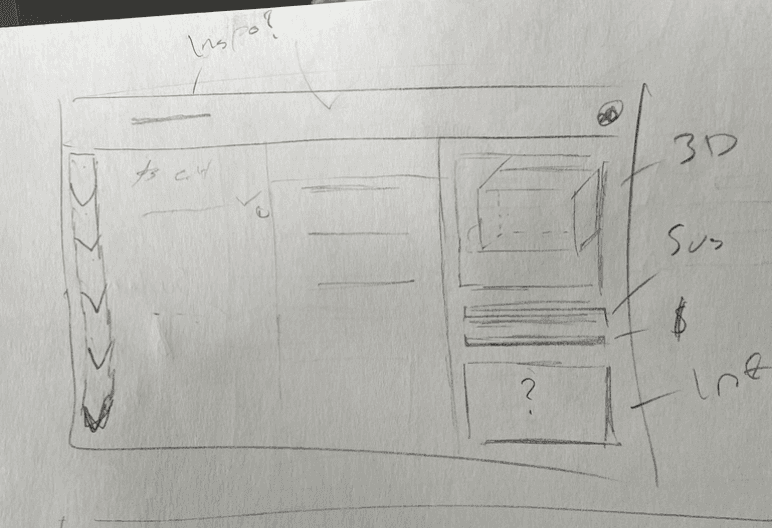
To continue, we started ideation with Crazy 8, which helped us rapidly explore different ways to combine inspiration, education and the agreement flow. Based on these sketches, we developed two early concepts with different structures.
Ideation sketch and wireframes
Design Deliverable
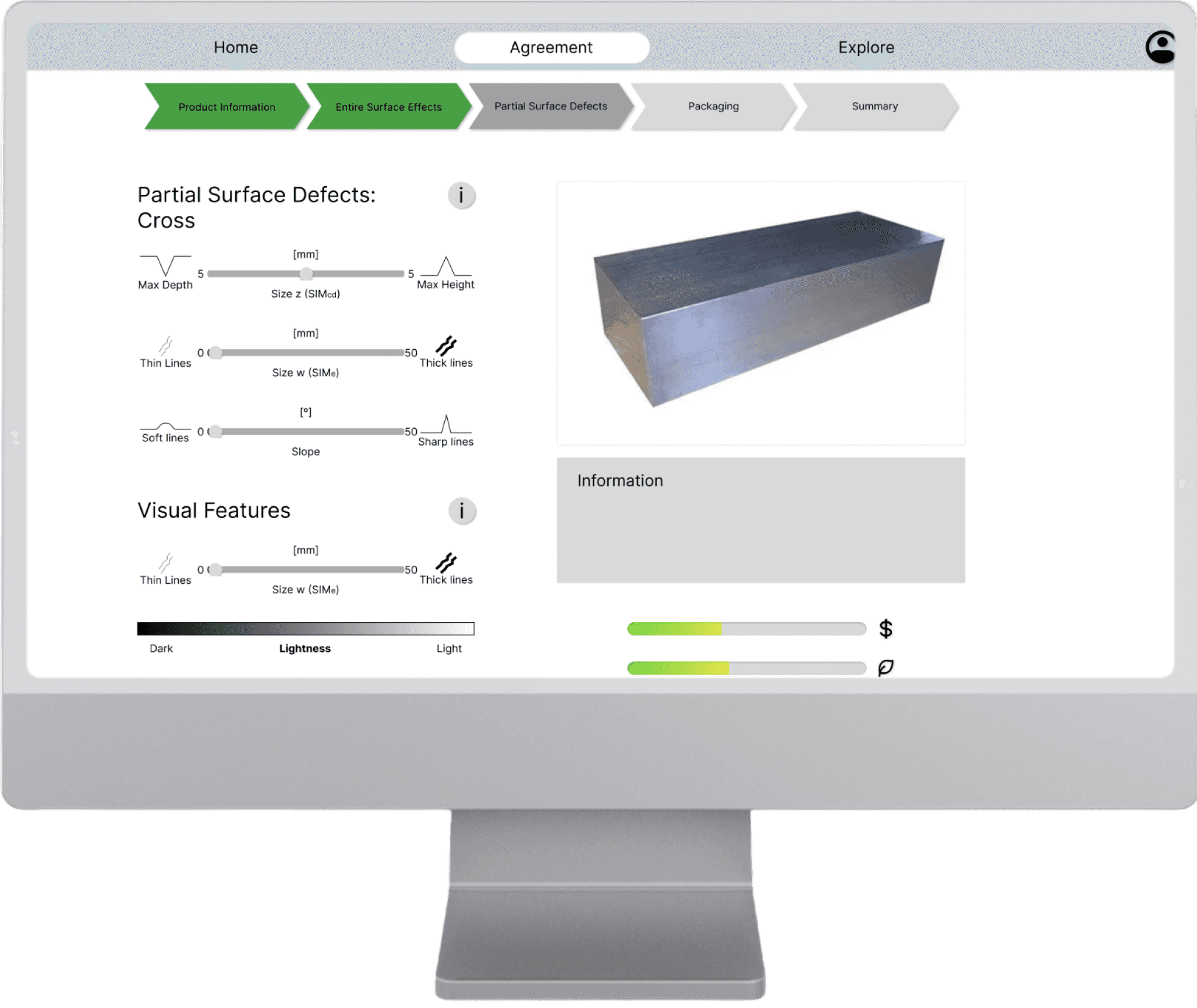
The final solution is a digital tool that turns the abstract world of aluminium surfaces into something you can actually see and understand. Through real time 3D rendering and a guided agreement flow, it helps customers and sellers speak the same visual language. Educational content and simple navigation support users along the way, making the process clearer, more confident, and far less open to misunderstandings.
Design Impact & Potential
Reduces misunderstandings by giving customers and sellers a shared visual reference for surface quality.
Lowers waste and costs through clearer expectations and fewer rejected batches.
Improves decision making with educational content and real time 3D visualisation.
Opens future potential for smart recommendations, compatibility warnings and more advanced surface visualisation tools.
Learned a ton, here are some major takeaways
Became better at estimating time and structuring design activities.
Gained confidence in defending and motivating design decisions using research.
Sketching is important, ideate in analog format allows thinking outside of Figma constraints
Improved my visual design skills through grids, layouts and iterative prototyping.